User Tips21 Nov, 2025
How to Improve Home WiFi Signal: 7 Practical Tips
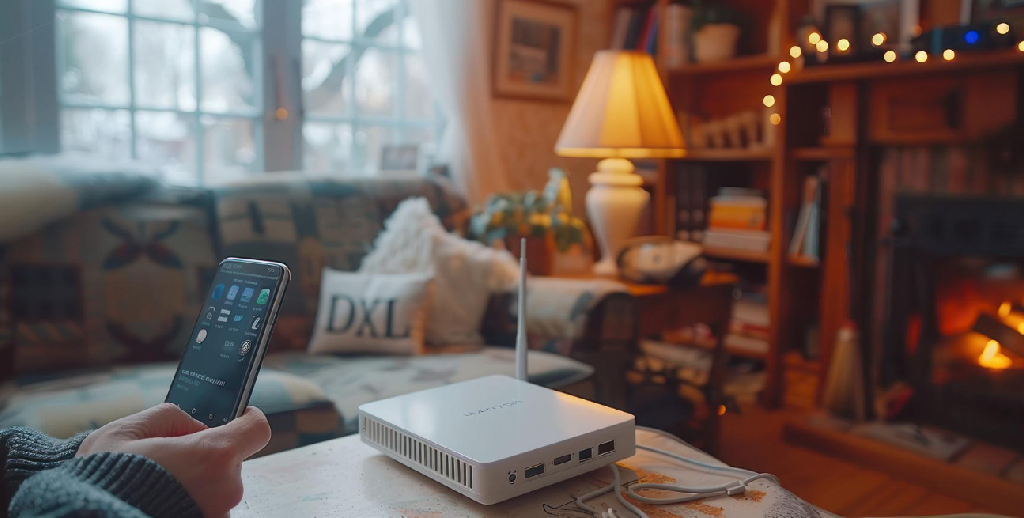
Place your router in a central location. Avoid thick walls or corners. An open, elevated spot is ideal.
Steer clear of electronic interference. Devices like microwaves, cordless phones, and TVs can disrupt your signal.
Update your router's firmware. Many routers have available updates that improve performance and security.
Change the transmission channel. If you live in a building, many routers might be competing on the same channels. Changing yours can improve your signal.
Configure a 5 GHz network if possible. While it has a shorter range, a 5 GHz network offers better speed and less interference than a 2.4 GHz one.
Install repeaters or network extenders. These are useful for amplifying the signal in areas where it doesn't reach well.
Protect your network with a strong password. This prevents others from using your bandwidth without permission.
Steer clear of electronic interference. Devices like microwaves, cordless phones, and TVs can disrupt your signal.
Update your router's firmware. Many routers have available updates that improve performance and security.
Change the transmission channel. If you live in a building, many routers might be competing on the same channels. Changing yours can improve your signal.
Configure a 5 GHz network if possible. While it has a shorter range, a 5 GHz network offers better speed and less interference than a 2.4 GHz one.
Install repeaters or network extenders. These are useful for amplifying the signal in areas where it doesn't reach well.
Protect your network with a strong password. This prevents others from using your bandwidth without permission.
Categories
- •User Tips
- •News and Updates
- •Social Responsibility
- •Services
- •Technology and Trends